What Cable Management And Technology Features Matter Most In An Executive Desk?
The integration details that keep a fine desk uncluttered, calm, and ready for modern work.
The features that matter most are discreet cable routing that keeps the surface uncluttered, well placed power and charging where you actually reach, and technology that stays robust and unobtrusive. On a sit-stand desk, plan for cables that travel as the desk moves. Above all, design integration in while specifying the desk, since retrofitting is rarely as neat.
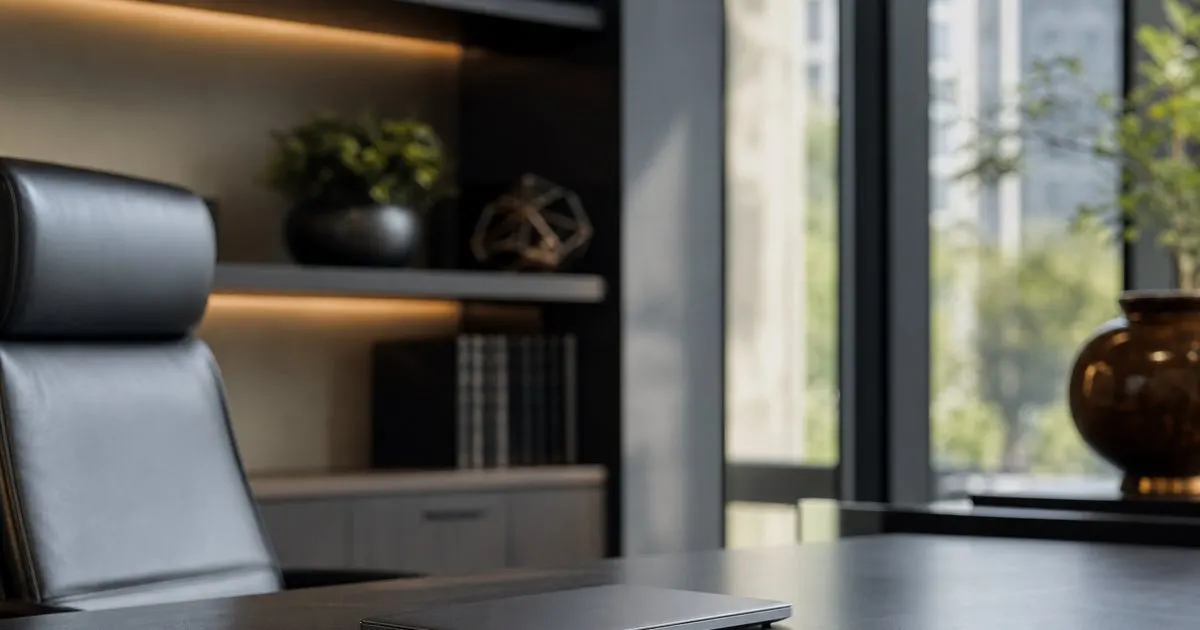
Order you feel, not see
Good cable management is invisible. Discreet routing keeps a fine surface uncluttered, so the desk reads as calm and considered rather than tangled and busy. Related: Which Materials And Finishes Elevate A Luxury Executive Desk Above The Rest?
The best integration is felt in daily use. When cables disappear and devices simply work, the desk supports focus instead of distracting from it.
Keep reading: What Makes An Executive Sit Stand Desk Worth A Premium Investment?, How Do You Choose The Right Size And Height Range For A Standing Desk?, Which Materials And Finishes Elevate A Luxury Executive Desk Above The Rest?. See how Ergonestr helps you a curated guide to the finest sit-stand and executive desks.
Power where you need it
Thoughtfully placed power keeps devices charged without cables crossing the surface. Integrated outlets and charging, placed where you actually reach, remove a constant small friction.
On a sit-stand desk, plan for cables that must travel as the desk moves. Proper management keeps everything tidy and safe through the full range of motion. Related: What Makes An Executive Sit Stand Desk Worth A Premium Investment?
Technology that stays discreet
Any integrated technology should serve quietly and age well. Restraint matters, since over engineered features can date quickly and clutter a piece meant to last.
Favor integration that is robust and unobtrusive. The desk should accommodate your technology without becoming a gadget in its own right. Related: How Do You Choose The Right Size And Height Range For A Standing Desk?
Planning integration early
Resolve cable and technology needs while specifying the desk, not after. Retrofitting management into a finished piece is rarely as neat as planning it in.
Consider your whole setup: screens, devices, and power. A desk designed around your real technology stays elegant and functional for years. Related: How Do You Build An Ergonomic Executive Workspace Around A Premium Desk?
- Good cable management is invisible
- Place power where you actually reach
- Plan for cables that move with a sit-stand desk
- Design integration in, do not retrofit it

Julien Jimenez
Julien Jimenez is an independent software builder based in Paris. He designs, ships, and operates focused SaaS products for small businesses and independent professionals. Read the full author page.
Frequently asked questions
Do I need built-in charging in a desk?
It is a convenience, not a necessity. Well placed power and tidy routing matter more than any single feature, so prioritize discreet, reliable integration.
How does cable management work on a moving desk?
Good sit-stand desks route cables to travel safely through the full range of motion, keeping everything tidy whether the desk is raised or lowered.
A Desk Worthy of the Work
A curated guide to the finest sit-stand and executive desks. Ergonestr is built to help you put this into practice.
Find your deskMore from the Ergonestr blog

What Makes An Executive Sit Stand Desk Worth A Premium Investment?

How Do You Choose The Right Size And Height Range For A Standing Desk?
Which Materials And Finishes Elevate A Luxury Executive Desk Above The Rest?
Get the complete luxury sit-stand and executive desks guide
Our full buying guide, the price guide, and new research as we publish it. One email, no spam, unsubscribe any time.